
Choose
Pick an image and sign in when needed.
Split a flat image into layers for PSD or ZIP.
 Choose an image or drag and drop herePNG, JPEG, WebP · Max 10 MiB · 16,777,216 pixels
Selected locally. Uploaded only when you continue.
Pick an image and sign in when needed.
Check your settings and free-trial or credit rules, then select Upload and Process.
Follow the background job in your workspace.
Review the layers, then download a ZIP or build a PSD in your browser.

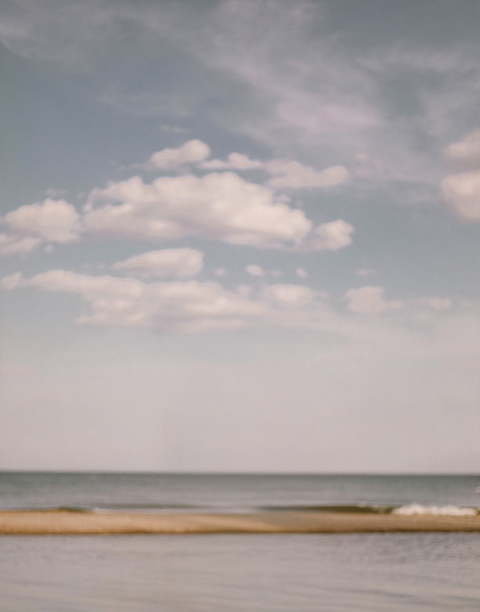
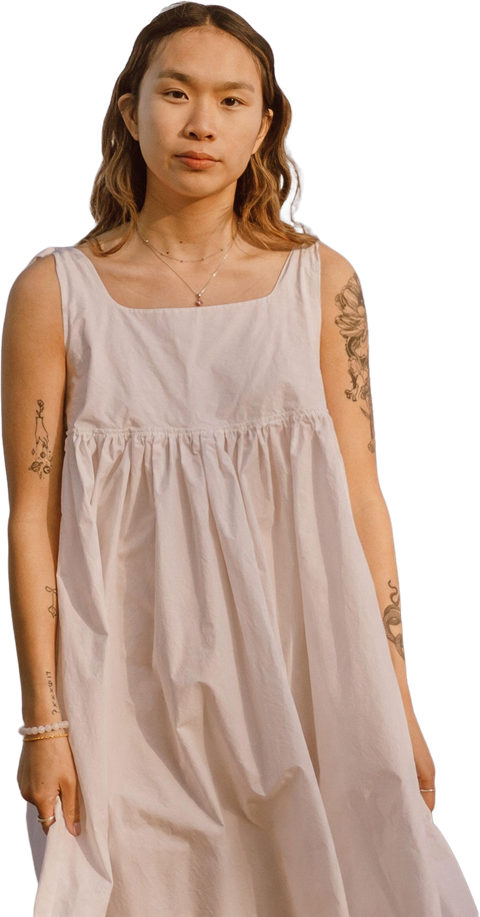
3 layers generated · 2 shown

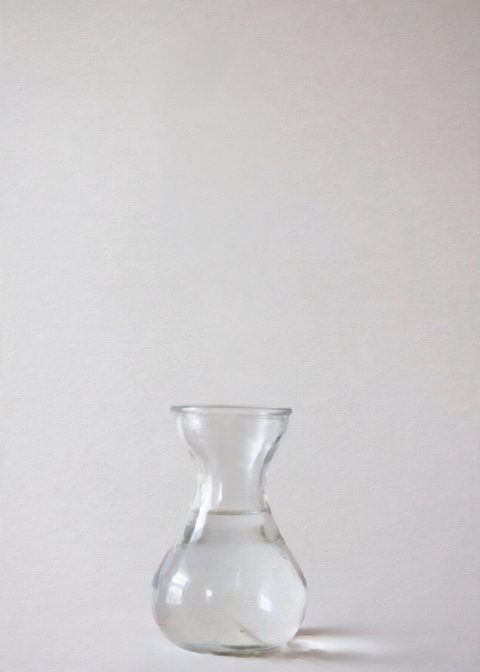
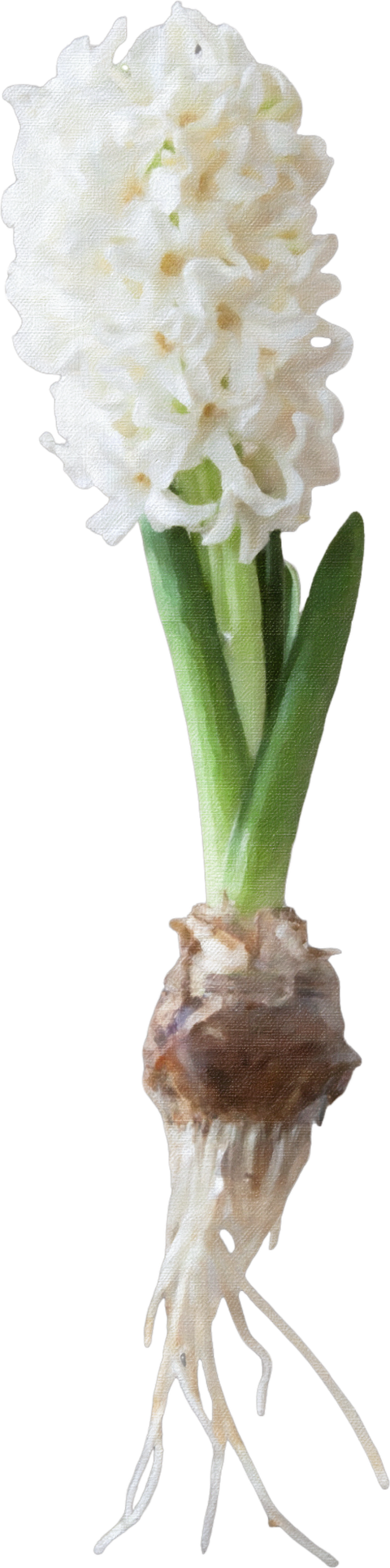
5 layers generated · 3 shown

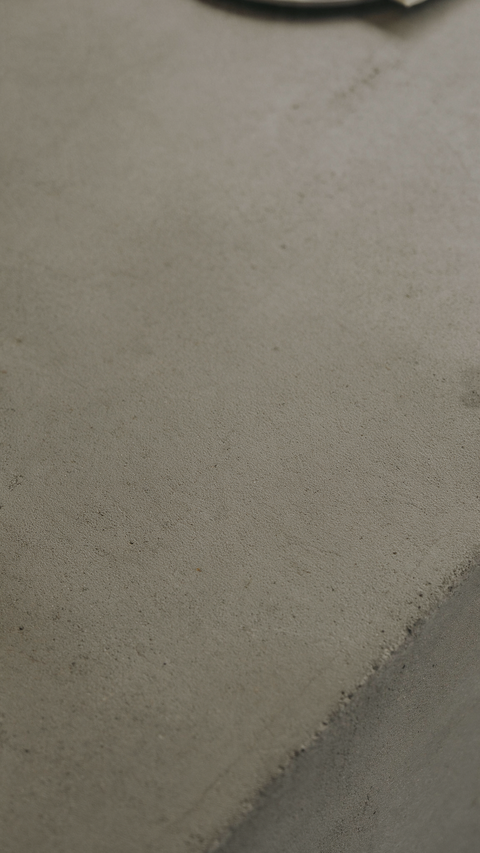
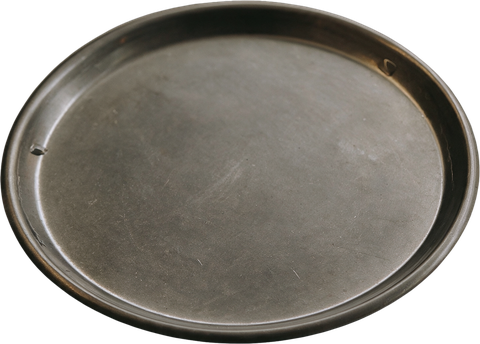
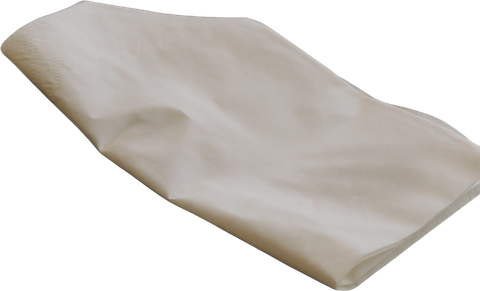

5 layers generated · 4 shown
A flat image makes individual parts hard to edit.
Separate layers can help with editing and compositing; results vary by image.
The 12-month plan is billed in 12 monthly payments, not prepaid; ending early does not waive the remaining payments.
One free trial on your first sign-in. After that, use credits. One-time packs start at $6.99 USD for 17 credits, including applicable tax.
AI image decomposition separates an image into editable visual layers. Results vary by image; target layer counts are guidance, not a guarantee.
Low resolution reserves 17 credits and settles at 3–17. High resolution reserves 34 and settles at 5–34. The final charge uses actual total layers including the background.
A job without a qualifying result returns reserved credits to their original buckets. The interface waits for server confirmation before reporting that return.
No. Automatic is the default. A 2–16 object-layer target is a soft prompt, and the model may return more or fewer; one background layer is counted separately.